Business-Specific Fields
Ward numbers, shelf codes, asset numbers — your own fields.
No generic tag profile has a field for your internal asset number, your ward code, or your shelf location — because those belong to your organization, not to a product schema. Business-specific fields let you add exactly the fields your operation actually uses, on top of whatever the tag type already provides.
Your own
field names and values
Per organization
not shared across accounts
Template-ready
pre-fill them once, reuse everywhere
Fields that mean something to your team
Add free-form fields to any tag your organization owns — an internal asset tag, a maintenance schedule, a cost center, whatever your process already tracks elsewhere. They show up alongside the tag's normal profile, visible to your team the same way any other field is.
- Defined per organization, not baked into the product
- Can be included in a template so every tag in a batch starts with the same set of fields
- Sit alongside the tag type's own profile — nothing about property, discovery or any other type has to be removed to make room
Why this could not just be a bigger form
A property tag's profile is built for a person tracking one item — a brand, a model, a serial number. It has no idea your organization numbers its fire extinguishers by floor and zone, or that your IT team tracks a warranty end date nowhere else in the product. Business-specific fields are how that gap gets closed without every organization's internal process having to become a permanent part of the product schema.
Mrks that do this
Every Mrk includes business-specific fields. These are the ones people buy for it.
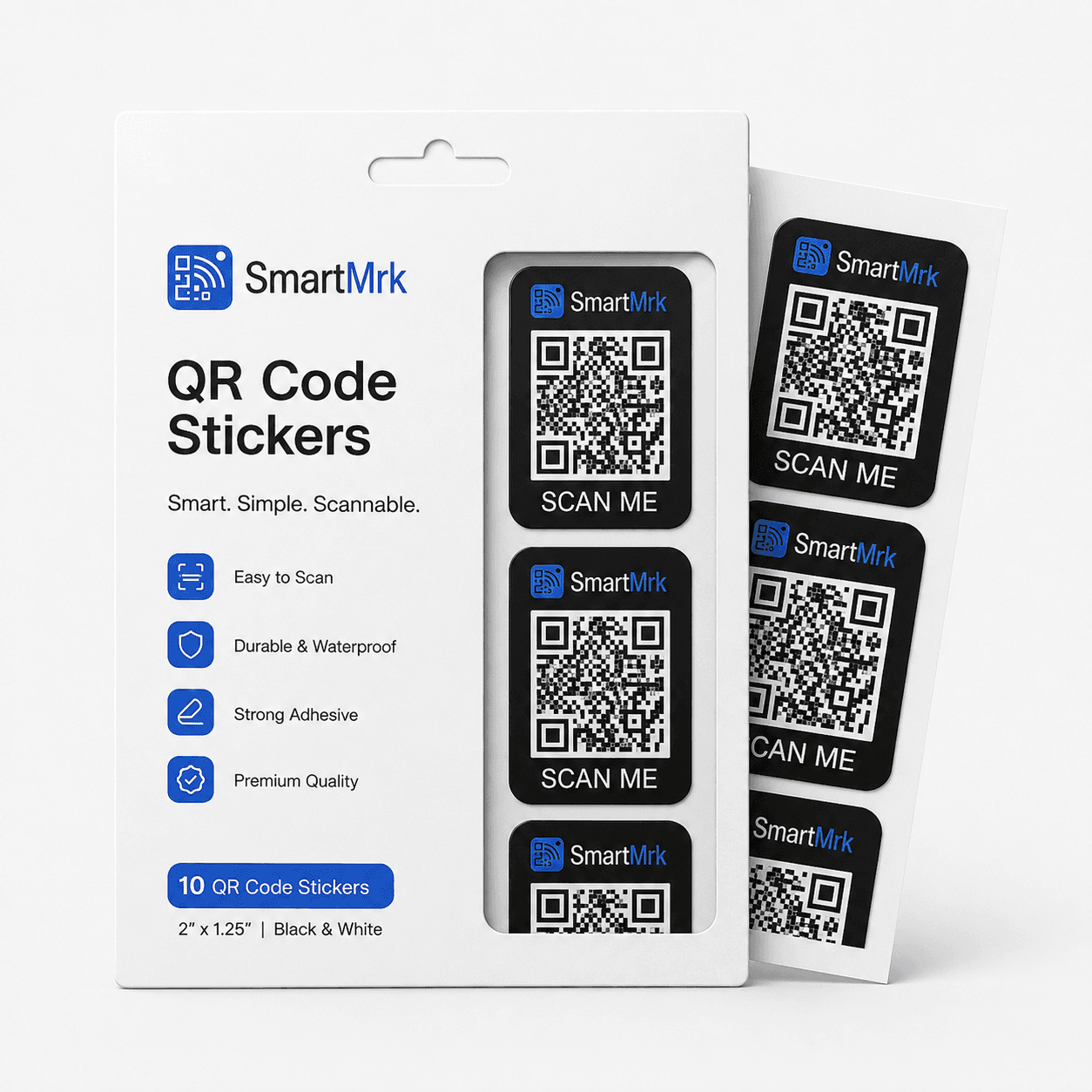
Property Mrk Stickers
Pack of 10 - QR code sticker sheets for labeling electronics, books, boxes and gear. Peel, stick, and track.
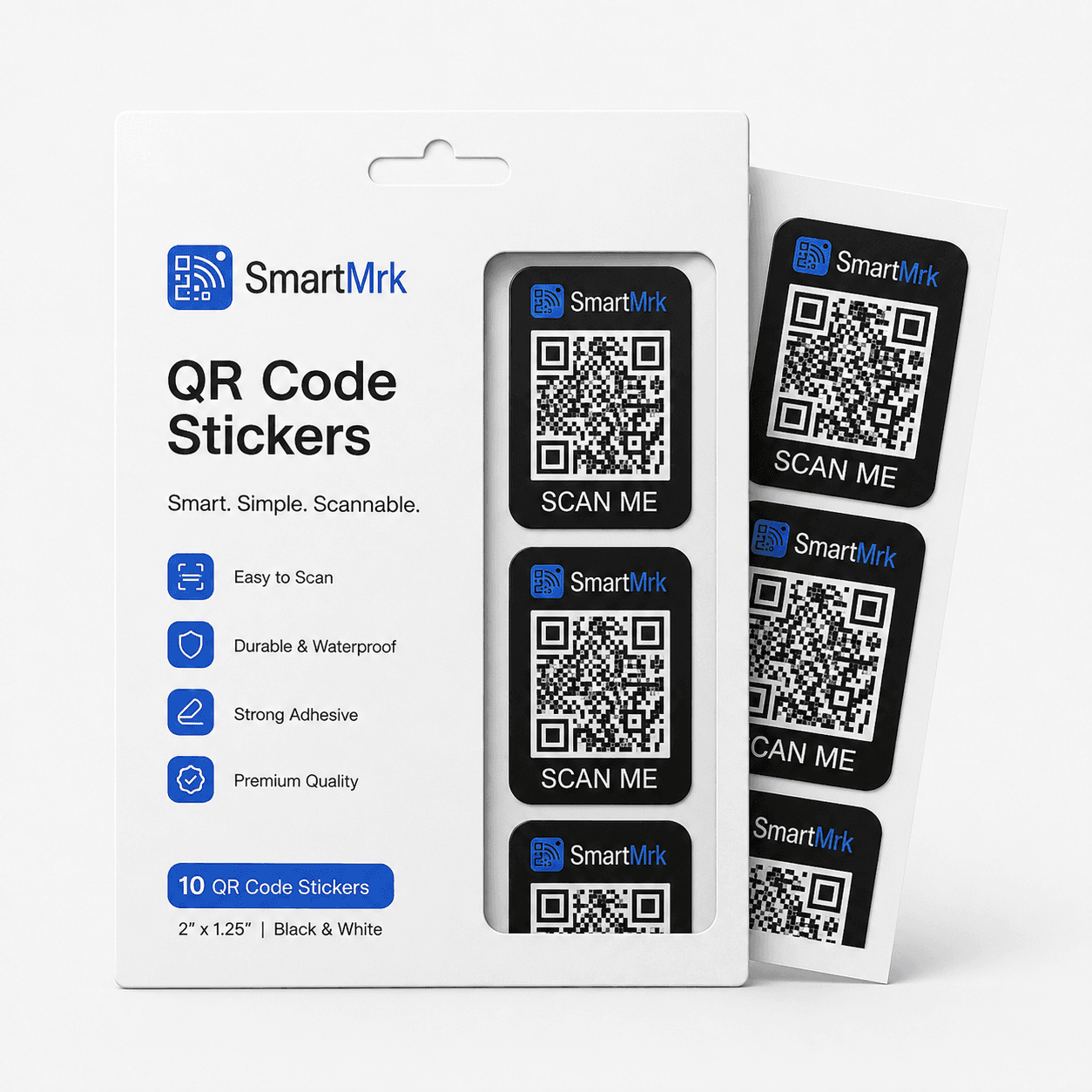
Property Mrk Stickers (Business)
Pack of 100 - QR code sticker sheets for labeling electronics, books, boxes and gear. Peel, stick, and track.
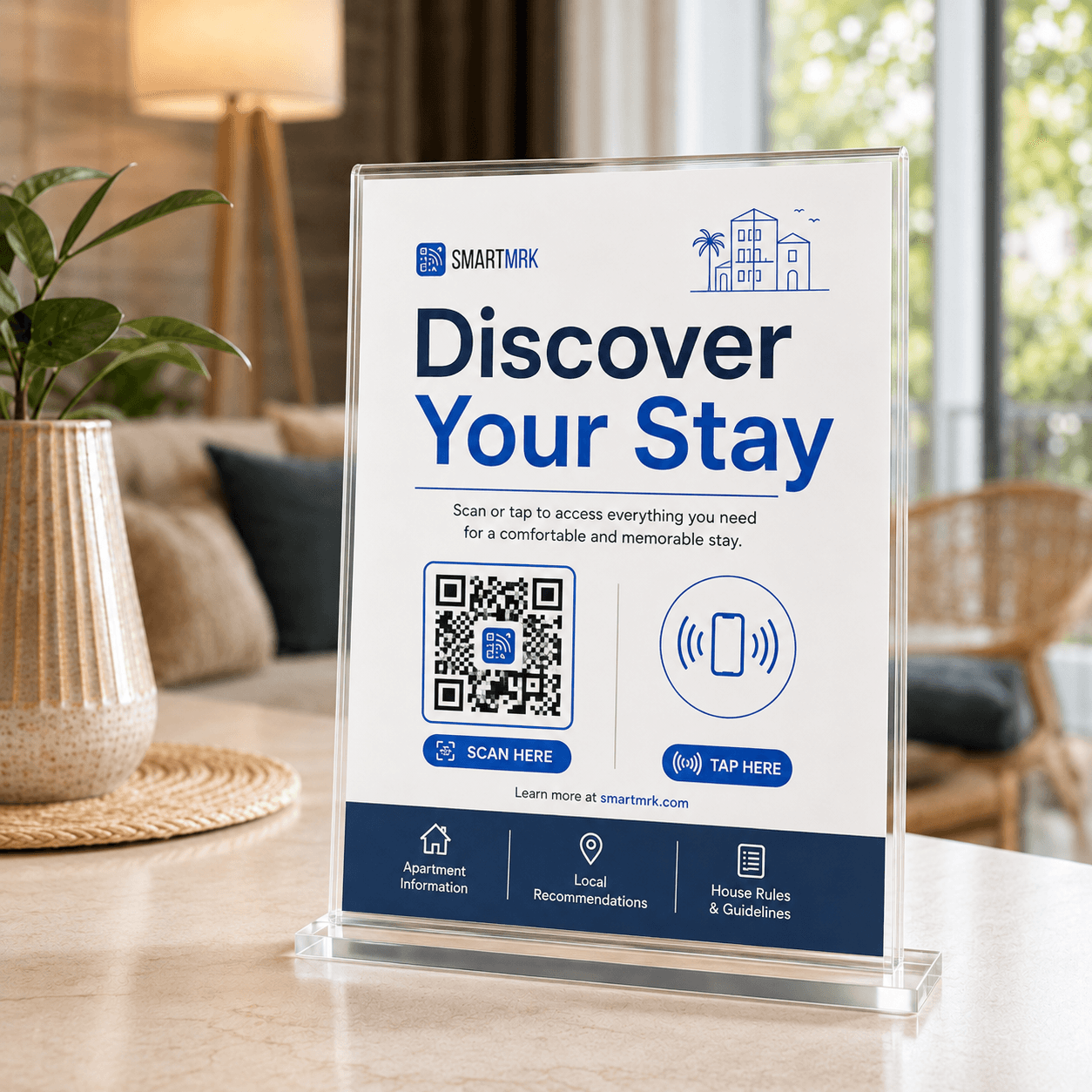
Discovery Mrk Poster (Business)
Pack of 50 - NFC + QR smart posters for small businesses. Tap or scan to view full business profile instantly.
Ready, or still deciding?
Go and look at the Mrks, or ask us anything about business-specific fields — we will know what you were reading.